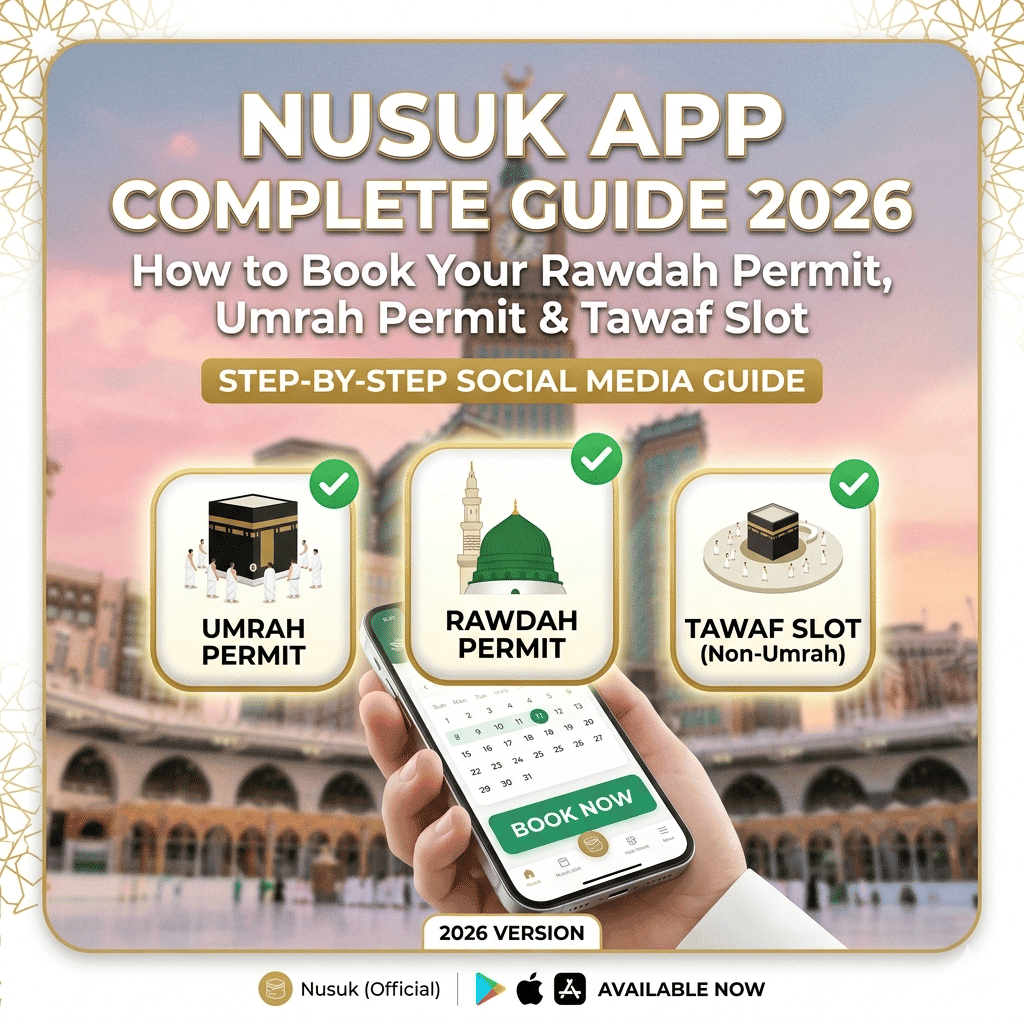
Reviewed 11 September 2026 | We used Nusuk for our own family trip in 2023. Current visa routes and permit guidance below are linked to official Saudi sources; app screens and availability can change.
Need a Rawdah permit? Use the official Nusuk app to select an available appointment. A Saudi entry visa, an Umrah permit and a Rawdah appointment serve different purposes. Start with the section that matches the task you need to complete.
Which Nusuk service do you need?
- Permit or appointment: use the Nusuk app and follow the service shown for your visitor profile.
- Umrah travel package: the Nusuk Umrah platform offers packages with visas, packages without visas and custom options. Availability depends on your eligibility.
- Tourist eVisa: check the official Saudi eVisa portal. It explicitly permits Umrah, excluding Hajj. Do not assume every traveller needs a dedicated Umrah visa or the same package.
Set up the Nusuk app before you travel
The Ministry’s official visitor guidance confirms that people arriving from outside Saudi Arabia can register in Nusuk to request permits.
- Get the app through the official Nusuk website or your phone’s official app store; check the publisher before installing.
- Choose the registration route appropriate to you, such as visitor, and provide the identity and visa information the current screen requests. Use details that match your travel documents.
- Complete the verification steps shown, then check that you can sign in again. A registration problem is different from a lack of appointment slots.
- Keep access to the email address and phone number you used. Check that your phone can connect in Saudi Arabia before relying on it at an entrance.
Book your Rawdah permit
The Ministry’s Rawdah service page lists this service as free and available to visitors as well as citizens and residents. Its core process is to select the relevant men’s or women’s service, choose an available date and time, and issue the permit.
- Sign in to Nusuk and open the Rawdah prayer permit service appropriate to you. Labels can differ between app versions.
- Select an available appointment that fits your stay in Madinah. Check each traveller’s eligibility and permit rather than assuming one appointment admits the whole family.
- Review the booking and complete the confirmation steps shown in the app. Check the permit’s status, date and time before leaving your hotel.
- Follow the confirmation deadline and arrival instructions on your permit. The Ministry’s Rawdah visitor guidance says to confirm attendance through the app at least two hours before the appointment.
- Have your phone charged and the current permit accessible. Do not rely solely on a saved QR screenshot: follow the app’s current display and entry instructions.
No appointment visible? Check again for availability and follow any official option the app offers, including instant access if available. No fixed slot-release time or guaranteed appointment is promised here.
Plan around your appointment: leave time for getting to the mosque and follow the Madinah-first itinerary at a pace that fits your group.
Arrange the Umrah permit separately
The Ministry’s Umrah guide describes a permit as a reservation for the date and time of Umrah, obtained through Nusuk after the visa stage. Check the current Umrah service in your app and the Ministry’s seasonal instructions before heading to Makkah. A Rawdah appointment is for prayer in Madinah and does not replace this process.
Visa routes and Nusuk Umrah packages
The official Nusuk Umrah platform separates visa-inclusive packages from packages without visas. It verifies registration information and makes packages available according to the eligible countries and applicable regulations. Read the actual package inclusions and cancellation conditions before paying.
For travellers eligible for a Saudi tourist eVisa, the official eVisa portal confirms that Umrah is allowed, while Hajj is excluded. Eligibility depends on your circumstances; use the official application route or an authorised provider to confirm what applies to you. This guide does not impose one visa route on all nationalities.
Budget tip: if your package includes accommodation or transport, do not add those costs again. Use our Umrah budget calculator with the quote you actually receive.
Nusuk troubleshooting checklist
- Registration rejected: compare the entered details with your documents and check that you chose the appropriate user type. Use official support if the issue persists.
- No Rawdah times available: this can reflect availability or your profile’s eligibility. Follow the message shown; do not pay someone who promises to bypass the official booking system.
- App will not load: check your connection, update through the official app store, and sign in before leaving your hotel. Contact official support or on-site staff if you cannot display a valid permit.
- Package payment problem: check whether a payment or booking already exists before attempting another charge. Contact the provider through the official platform.
- Different instructions from this guide: follow the current official app, permit and Ministry instructions. This page cannot guarantee entry or appointment availability.
Frequently asked questions
Is a dedicated Umrah visa the only way to perform Umrah? No. The official tourist eVisa portal also permits Umrah for eligible travellers, excluding Hajj. Confirm your own eligibility and seasonal restrictions.
Is the Rawdah permit free? The Ministry lists the permit service as free. Travel packages and transport are separate purchases.
Can I guarantee a slot by checking at one particular hour? This guide does not promise a release schedule. Use availability and instructions shown in the current app.
Can I use a QR screenshot at the gate? Do not assume a screenshot replaces the current permit. Keep the app available and follow the instructions displayed for your booking.
Official sources and your next steps
Sources checked on 11 September 2026: the Ministry’s Rawdah service and visitor guides, Saudi eVisa portal, and Nusuk Umrah platform linked above. No prices or appointment guarantees are supplied by this blog.
Next, prepare your printable packing checklist and plan your phone connection. May Allah make your journey easy and accepted. Ameen.
7 thoughts on “Nusuk App 2026: Complete Guide to Umrah & Rawdah Permits (Step-by-Step)”